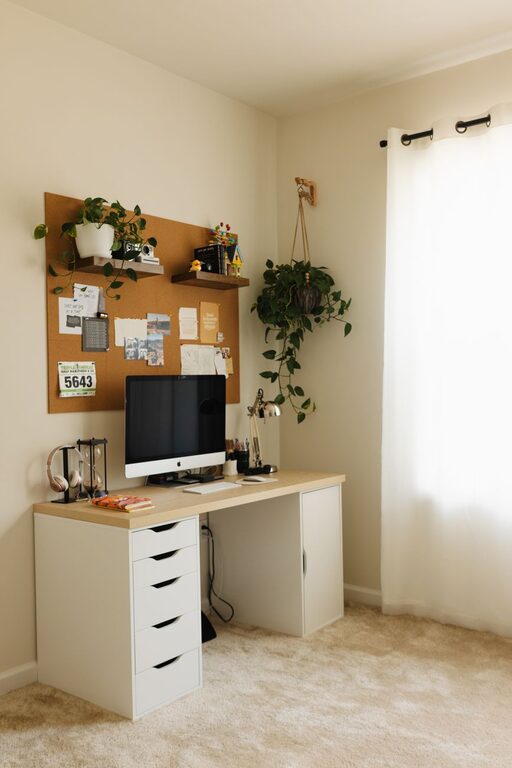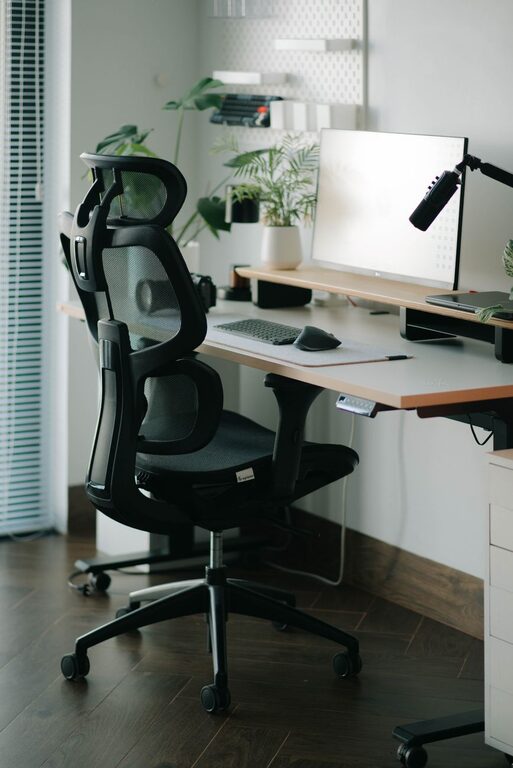
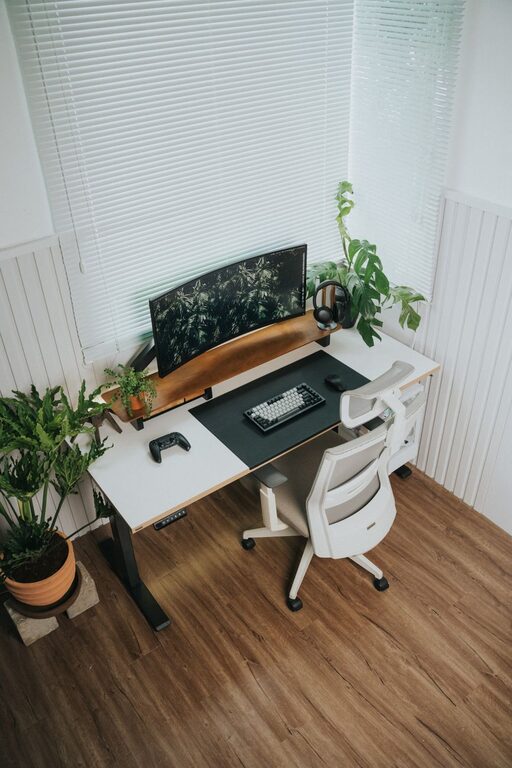
Creating a productive home office space is essential for anyone working remotely or managing tasks from home. A well-organized and comfortable workspace can improve focus, reduce stress, and increase efficiency. Here are practical tips to help you set up a home office that fosters productivity and supports your work-life balance.
Choose the Right Location
Selecting the best spot for your home office is the first step toward productivity.
– Quiet Area: Pick a space away from noise and distractions to help you concentrate.
– Natural Light: If possible, choose a location with plenty of natural light to enhance mood and reduce eye strain.
– Privacy: Make sure the area allows privacy, especially if you have family members or roommates.
Invest in Ergonomic Furniture
Comfort plays a big role in maintaining productivity during long hours at your desk.
– Ergonomic Chair: Look for a chair with adjustable height and lumbar support to keep your back healthy.
– Desk Height: Your desk should be at a height where your arms rest comfortably at a 90-degree angle.
– Monitor Position: Place your monitor at eye level to avoid neck strain.
Keep Your Workspace Organized
A clutter-free environment helps keep your mind clear and focused.
– Use Storage Solutions: Incorporate shelves, drawers, and organizers to keep supplies in order.
– Declutter Regularly: Set aside time each week to tidy your workspace.
– Minimize Distractions: Remove items that don’t contribute to your work.
Optimize Lighting
Good lighting reduces fatigue and keeps you alert.
– Combine Sources: Use a mix of natural light, overhead lighting, and task lamps.
– Avoid Glare: Position screens to prevent sunlight or bright lights from causing glare.
– Warm Light: Opt for bulbs that mimic daylight to keep your energy up.
Personalize Your Space
Adding personal touches can make your office inviting and motivating.
– Incorporate Plants: Greenery can reduce stress and boost productivity.
– Display Inspirational Items: Use artwork or quotes that inspire you.
– Comfort Items: Keep a cozy blanket or cushion handy to stay comfortable.
Manage Technology Efficiently
Reliable and well-organized technology is crucial for smooth work.
– High-Speed Internet: Ensure your internet connection is fast and stable.
– Organize Cables: Use cable organizers or clips to keep wires tidy.
– Backup Solutions: Have external drives or cloud storage for important documents.
Establish Boundaries
Creating clear lines between work and personal life helps maintain balance.
– Set Office Hours: Define when your workday starts and ends.
– Separate Spaces: Avoid working from a bedroom or couch if possible.
– Communicate: Let others in your household know your schedule to minimize interruptions.
Use Productivity Tools
Many tools and apps can help you stay organized and focused.
– Task Managers: Apps like Trello or Todoist keep track of tasks and deadlines.
– Time-Tracking: Tools such as Toggl help you monitor how you spend your time.
– Focus Apps: Pomodoro timers or website blockers can reduce distractions.
Maintain Good Air Quality
Fresh air improves concentration and overall well-being.
– Ventilation: Open windows regularly or use an air purifier.
– Humidity Levels: Use a humidifier if the air feels dry.
– Avoid Strong Scents: Opt for natural or mild scents instead of overpowering air fresheners.
Take Regular Breaks
Short, frequent breaks help prevent burnout and keep energy levels steady.
– Stand and Stretch: Move around every hour to avoid stiffness.
– Eye Exercises: Follow the 20-20-20 rule—look 20 feet away for 20 seconds every 20 minutes.
– Hydrate: Keep water nearby and drink regularly.
—
By thoughtfully designing your home office space and adopting good habits, you can create an environment that supports productivity, creativity, and wellness. Remember, a productive workspace is one that works for you—so feel free to adjust these tips according to your personal preferences and needs.
About the Author